How to Choose a Fish Finder: Sonar Types, Screen Size, Maps, Transducer and Budget
Fish finders range from palm-size units to networked displays with live sonar. Here is how to match the sonar, screen, maps and transducer to the way you actually fish.
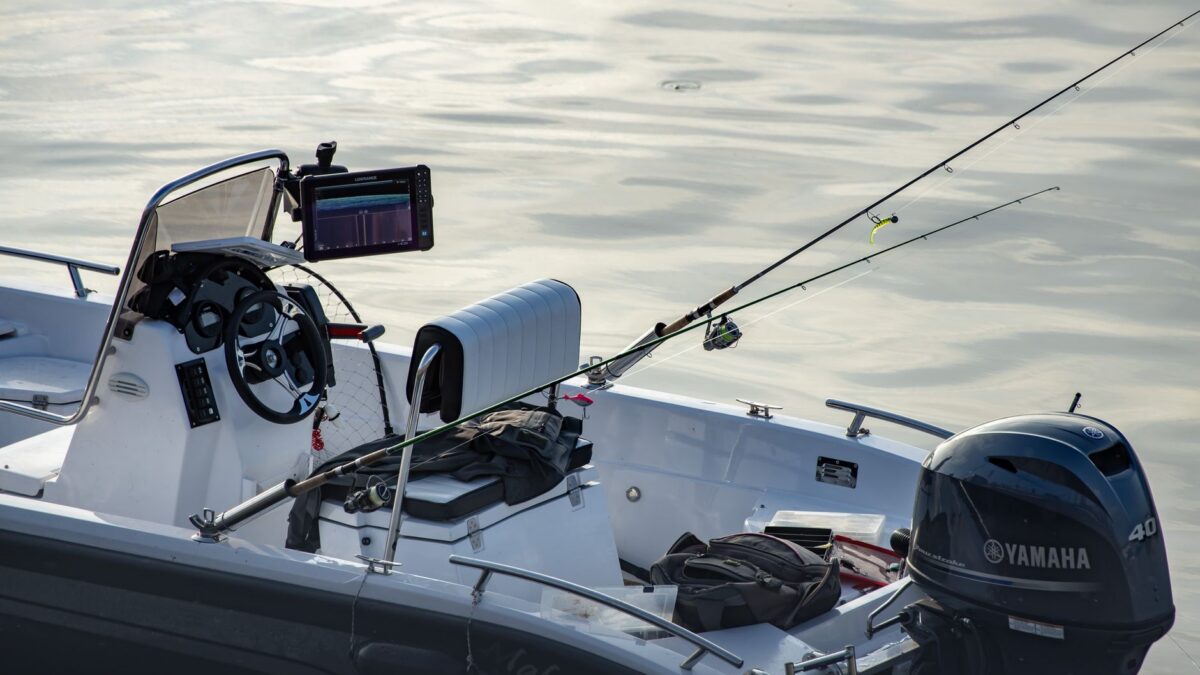
To choose a fish finder, start with your boat and your budget, then put your money into sonar and the transducer before screen size. For most freshwater anglers that means a unit with CHIRP 2D sonar plus down imaging, built-in GPS with lake maps, and a transducer that fits the way you will mount it. Add side imaging if you fish from a boat and want to search water quickly, and treat forward-facing (live) sonar as a separate, expensive upgrade for later.
Start with where and how you fish
The right unit for a kayak is not the right unit for a 20-foot bass boat. Answer three questions before you compare models:
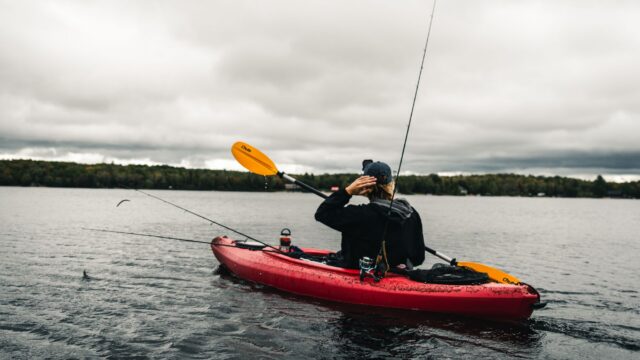
- What do you fish from? Kayaks, canoes and small jon boats need compact displays with low power draw. Larger boats can run bigger screens and more than one display.
- How deep is your water? Shallow natural lakes, ponds and rivers reward high-frequency detail. Deep reservoirs and the Great Lakes need a transducer that holds the bottom at depth.
- Do you ice fish? Many fish finders can move to the ice with a portable kit and an ice transducer, which can save buying a second device.
Sonar types, from basic to advanced
Every fish finder works the same way at heart: the transducer sends sound pulses into the water and the display draws the echoes. The sonar types differ in how they send those pulses and how they show what comes back.
| Sonar type | What it shows | Best for |
|---|---|---|
| 2D sonar (fixed frequency) | The classic scrolling view: bottom, fish arches, bait | Depth, bottom and fish under the boat on a tight budget |
| CHIRP 2D sonar | The same view, but each ping sweeps a range of frequencies for better target separation | Nearly everyone; it is standard on most current units |
| Down imaging | A photo-like picture of what is directly under the boat | Identifying brush, rock, timber and bait |
| Side imaging | A photo-like strip of bottom to both sides of the boat | Searching big water and finding isolated cover from a boat |
| Forward-facing (live) sonar | A real-time moving view ahead of or below the boat | Watching fish react to a lure; dedicated bass and crappie anglers |
CHIRP is now so common that a unit without it is mostly a budget or older model. Our guide to CHIRP sonar explains what the frequency sweep actually changes on screen, and down imaging vs side imaging helps you decide which imaging you need.
Different brand names for the same idea
Each manufacturer uses its own labels. Garmin calls its imaging ClearVü (down) and SideVü (side). Humminbird uses Down Imaging and Side Imaging, with MEGA for its higher-frequency versions. Lowrance uses DownScan and SideScan, and sells its higher-end imaging transducers as Active Imaging. Compare what the unit does, not what it is called.
Screen size and display quality
Screen size matters more once you use imaging and maps, because split screens divide the display into smaller panels. As a rough guide:
- 4–5 inches: fine for depth and 2D sonar on a kayak or canoe, or on the ice. Cramped for split screens.
- 7 inches: the practical minimum for running a map and sonar side by side.
- 9–10 inches: comfortable for side imaging and mapping on small and mid-size boats.
- 12 inches and up: common on bass boats, often as a pair at the console and the bow, and useful if you plan to run live sonar next to other views.
Also look at resolution (more pixels show more detail at the same screen size), how readable the screen is in direct sun and through polarized glasses, and the controls. Touchscreens are quick on calm days; buttons, or a mix of touch and buttons, are easier in rough water or with wet hands and gloves.
GPS and lake maps
Built-in GPS lets you save waypoints on brush piles and rock, retrace a route back to the ramp and see your position on a contour map. For finding fish, a good map can matter as much as the sonar. Check three things:
- Preloaded charts. Inland lake coverage and contour detail differ by brand and region, so confirm your home lakes are mapped in detail before you buy.
- A memory card slot for premium or regional chart cards and for saving your own data.
- Live mapping. Garmin, Humminbird and Lowrance each offer a way to draw your own contour maps as you drive, which is valuable on small or poorly mapped lakes.
Some entry-level units have GPS for waypoints but no detailed lake charts, so read the spec sheet carefully.
The transducer does the real work
The transducer decides which sonar types the display can actually show. A display that supports side imaging is useless for side imaging without a side-imaging transducer. Many fish finders are sold in several bundles with different transducers, and some are sold without one. Before you buy, check:
- Which transducer is included and which frequencies and imaging types it supports.
- How it mounts: transom, trolling motor, through-hull, in-hull or kayak scupper. Not every transducer suits every mount; see transducer mounting options.
- Cable length, so it reaches from the mount to the display without splicing.
Forward-facing sonar is a separate decision
Live sonar systems such as Garmin LiveScope, Lowrance ActiveTarget and Humminbird MEGA Live show fish moving in real time, but each is its own transducer system that needs a compatible display from the same brand, a mount and power. At the time of writing, retailers list current Garmin and Lowrance live-sonar systems at roughly $1,400 to $2,200 for the sonar alone, before the display. If you think you will want it later, choose a display that supports it now. Our forward-facing sonar guide covers how it works and the tournament rules around it.
Networking and future upgrades
If you may add a second display, a trolling motor with GPS anchoring or live sonar later, check how the unit connects to other equipment. Mid-range and premium displays usually support wired networking to share sonar, maps and waypoints between screens, and integration with the same brand’s trolling motors. Entry-level units usually do not. You do not have to stay with one brand, but upgrades are simpler if you do.
Budget tiers
- Entry level: a 4–5-inch display with CHIRP 2D, often down imaging, and GPS for waypoints. Good for kayaks, small boats and ice fishing.
- Mid-range: a 7–10-inch combo with CHIRP, down and side imaging, preloaded lake maps and live mapping. The most useful step up for most boat anglers.
- Premium: 10–16-inch networked displays that can run live sonar, several transducers and trolling-motor integration. Costs climb quickly once you add live sonar and a second screen.
Prices change often and bundles go on sale, so compare offers by the transducer and maps included, not the display price alone.
Bottom line
Buy for the water you fish most. A CHIRP unit with down imaging and GPS covers the basics on kayaks and small boats; a 9–10-inch combo with side imaging and good lake maps is the most useful upgrade for boat anglers; and live sonar is a separate, costly system to plan for after you have the fundamentals. Check the included transducer before you check the price.
FAQ
Do I need side imaging?
Not to catch fish. Side imaging speeds up searching for cover and bait on bigger water, but it needs a compatible transducer mounted with a clear view to both sides. Kayak anglers and anglers on small waters often do well with CHIRP and down imaging alone.
Is a bigger screen always better?
A bigger screen is easier to read when you split it between a map and sonar, but it costs more, draws more power and takes more space. For kayaks and ice fishing, 4–7 inches is typical; for side imaging on a boat, 9 inches or more is more comfortable.
Can I use the same fish finder on a boat and on the ice?
Often, yes. Many units can move into a portable or ice kit with its own battery and an ice transducer. Check the manufacturer’s list of compatible transducers and kits before you buy.
Does the brand matter?
Garmin, Humminbird and Lowrance all make capable units. The differences show up in imaging style, map options, live sonar and how each connects to trolling motors, so pick the ecosystem that fits the rest of your boat.