How to Read a Fish Finder: Arches, Bottom Hardness, Bait, Thermoclines and Colors
A sonar screen is a scrolling history of echoes, not a photograph. Once you know what each shape and color means, the display becomes a map of where fish are holding.
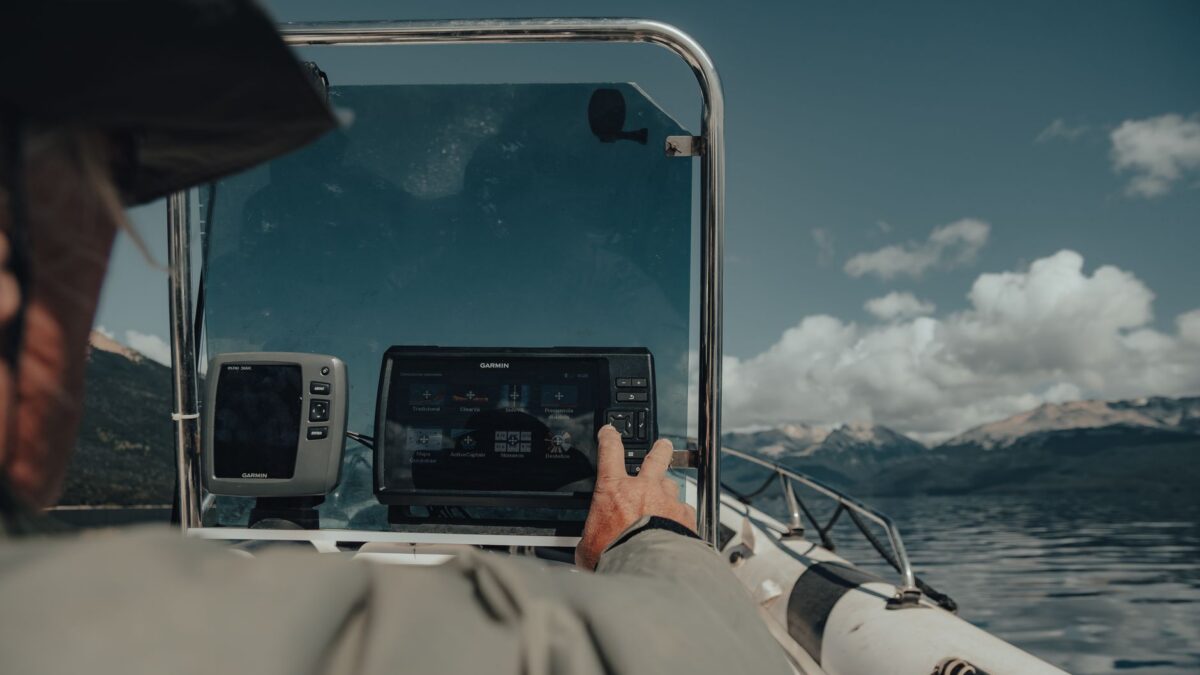
A fish finder screen is a scrolling record of echoes: the newest returns appear on the right and move left as time passes. To read it, find the bottom first, then look for arches (fish that passed through the sonar beam while the boat moved), clouds of small dots (bait), uneven returns rising from the bottom (grass, brush or timber) and, in summer, a faint horizontal band at mid-depth (the thermocline). Colors show echo strength; on most default palettes the brightest or warmest colors are the strongest returns.
How the 2D sonar screen works
The transducer sends a pulse of sound in a cone-shaped beam and times how long each echo takes to return. The unit draws those echoes as one vertical column and adds a new column with every ping. Two consequences matter for reading the screen:
- The horizontal axis is time, not distance. Something on the left edge passed under the boat a little while ago.
- Everything inside the cone is drawn as if it were directly below you. A fish at the edge of the beam appears at about the right depth, but it may be several feet off to the side.
The cone widens with depth, so in deep water the screen covers a larger area than in shallow water, and a single mark tells you less about exactly where the fish is.
Fish: arches, lines and partial marks
A classic arch forms when the boat moves over a fish. The fish enters the edge of the beam (slightly farther away, so it draws a little deeper), passes under the center (closest) and leaves the other edge, tracing a curve.
- Full arch: the fish passed through the whole beam while the boat moved at a steady speed.
- Half arch or short mark: the fish crossed only part of the beam, moved while you passed, or the boat turned or changed speed.
- Horizontal line: when the boat is stopped or barely moving, a fish holding under you draws a line instead of an arch. A line that climbs or drops can be a fish swimming up or down, or your own lure.
- Thick arch: often a larger fish or several fish close together, but thickness also changes with sensitivity, frequency, boat speed and where the fish was in the beam. Do not treat it as a reliable size gauge.
Fish symbol or “fish ID” features replace echoes with fish icons. They are convenient, but they can label debris, thermoclines or bait as fish and they hide useful detail. Most anglers learn faster with the icons switched off.
Reading the bottom
The bottom is the strongest, widest return on the screen, and its thickness and color hint at what it is made of:
- Hard bottom (rock, gravel, hard clay) reflects more sound, so it usually shows as a thicker, brighter band. A strong second return, a fainter copy of the bottom at about twice the depth, is another sign of hard bottom.
- Soft bottom (mud, silt, muck) absorbs more sound and usually shows as a thinner, weaker band.
- Humps, ledges and drop-offs show as changes in the bottom line. Because the screen shows time, a drop looks steeper when the boat moves slowly and gentler when it moves fast.
Transitions from soft to hard bottom are worth a waypoint, because bass, walleye and other predators often relate to them. Our guide to reading a lake for bass shows how bottom changes fit together with points, breaks and channels.
Bait, grass, brush and other targets
| What you see | What it usually is |
|---|---|
| A dense cloud or ball of small dots, often suspended | A school of baitfish such as shad, shiners or alewives |
| Arches around, under or inside a cloud | Predators feeding on or following that bait |
| Fuzzy, uneven returns growing up from the bottom | Submerged vegetation |
| Tall, branching or jagged returns standing on the bottom | Brush piles, standing timber or fallen trees |
| Fine speckles near the top of the screen | Surface clutter from waves, wakes, bubbles or plankton |
| A thin, faint, steady band at mid-depth across a wide area | A thermocline in a stratified lake |
| Short slanted streaks that appear right after you drop a bait | Your lure or sinker falling through the beam |
Down and side imaging make cover easier to identify because they show shapes rather than blobs; see down imaging vs side imaging for how those views compare.
The thermocline
In many deeper lakes, summer heating separates the water into a warm upper layer and a colder lower layer. The transition zone between them, the thermocline, changes the water’s density enough to return a faint echo, often a thin band that sits at roughly the same depth across the lake. It matters because in many lakes the water below it can run low on oxygen by late summer, so fish tend to hold at or above that depth. That is one reason summer bass often suspend or sit on structure that tops out near the thermocline. Higher sensitivity usually shows the band more clearly. In fall, cooling surface water mixes the layers during turnover and the band fades away.
What the colors mean
Most color palettes map echo strength to color. On a typical default palette, the strongest returns (hard bottom, large or close targets) show as red, orange or yellow, and weaker returns show as blue or green. Palettes differ by brand and can be changed, so check the color bar or legend on your unit. A few rules hold for all of them:
- A fish mark with a strong-colored center usually passed close to the middle of the beam.
- Weak colors can mean a small target, a target at the edge of the beam, or sensitivity set too low.
- Changing sensitivity changes the colors, so only compare marks recorded at the same settings.
If the screen looks crowded or strangely empty, the settings may be the problem rather than the water. Our fish finder settings guide covers sensitivity, range, chart speed and noise rejection.
A simple practice routine
- Turn off fish icons and set sensitivity and depth range to auto.
- Idle slowly over a spot you can see or already know: a dock, a brush pile, a rocky point, a weed edge.
- Watch how each object looks on 2D sonar, then on down imaging if your unit has it.
- Drop a weighted lure under the boat and watch it fall, so you learn what your own tackle looks like on screen.
- Save waypoints on bait, fish and bottom changes, and compare them with the lake map later.
Bottom line
Read the screen from the bottom up: find the bottom and judge its hardness, look for cover rising from it, then scan the water column for bait and arches. Remember that the display shows time and echo strength rather than a true picture, and that boat speed, sensitivity and frequency all change how the same fish looks.
FAQ
Why do I see lines instead of arches?
You are probably stopped or moving very slowly, or the fish is moving along with the boat. Arches need movement between the boat and the fish; a fish holding under a stationary boat draws a line.
Can a fish finder tell what species a fish is?
Not directly. Depth, location, season and schooling behavior give clues, but standard sonar cannot reliably identify species from a single mark.
Why is there a second bottom deeper than the real one?
That is a second return: the sound bounced off the bottom, up to the surface and back down again. It is common over hard bottom in shallow water and is not a real feature.
Are bigger arches always bigger fish?
No. Arch size also depends on where the fish crossed the beam, boat speed, depth and your settings, so treat it only as a rough hint.